We're All in It Together.
Sponsors & Partners
Sponsors
Penpoint
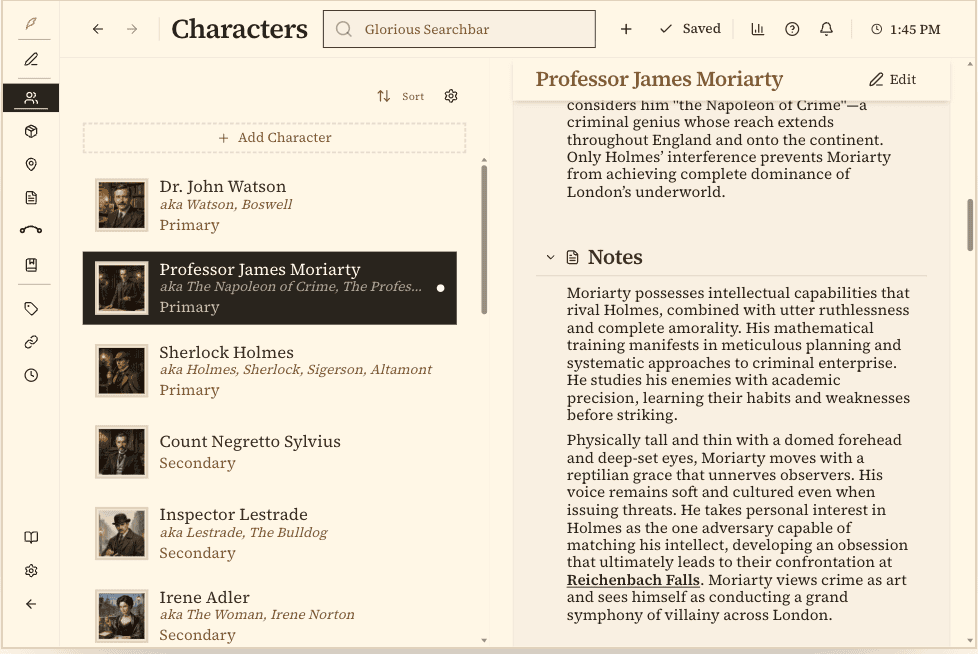
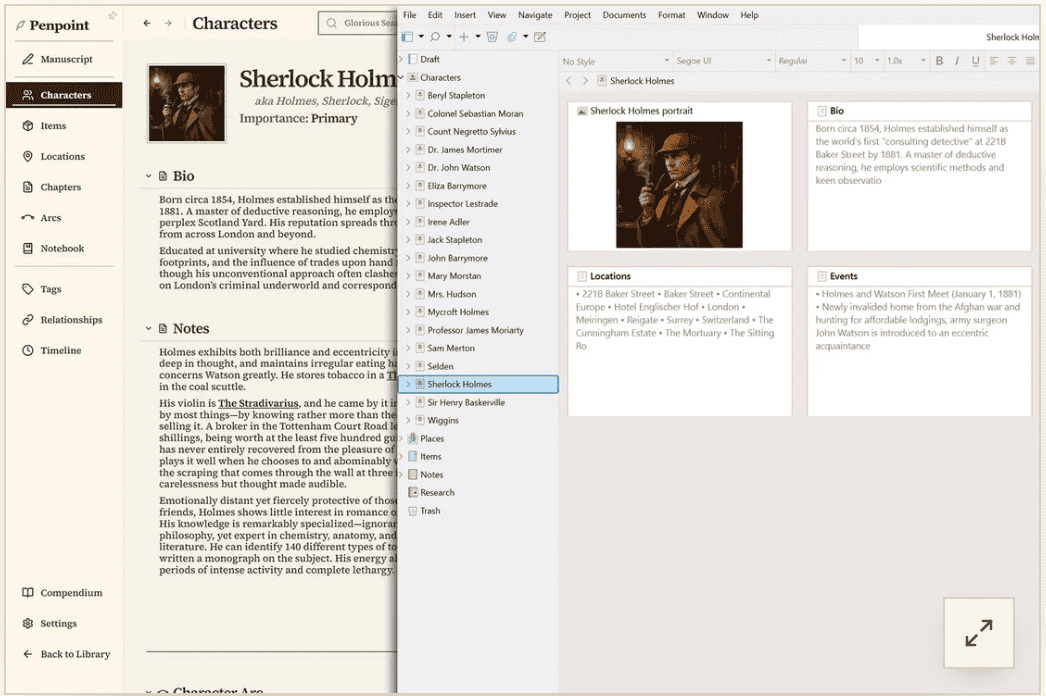
Within the Characters section, you can create and track all your characters. Was your character wearing a blue turtleneck in chapter 2? Then you'll want to make sure he's not wearing a green button-up shirt in chapter 4 (unless it's a new day, of course). Perhaps you have your protagonist's brother with deep brown eyes... you'll want to make sure you don't accidentally make him the protagonist's cousin with blue eyes. You can keep all that information here in the Characters section for easy reference.
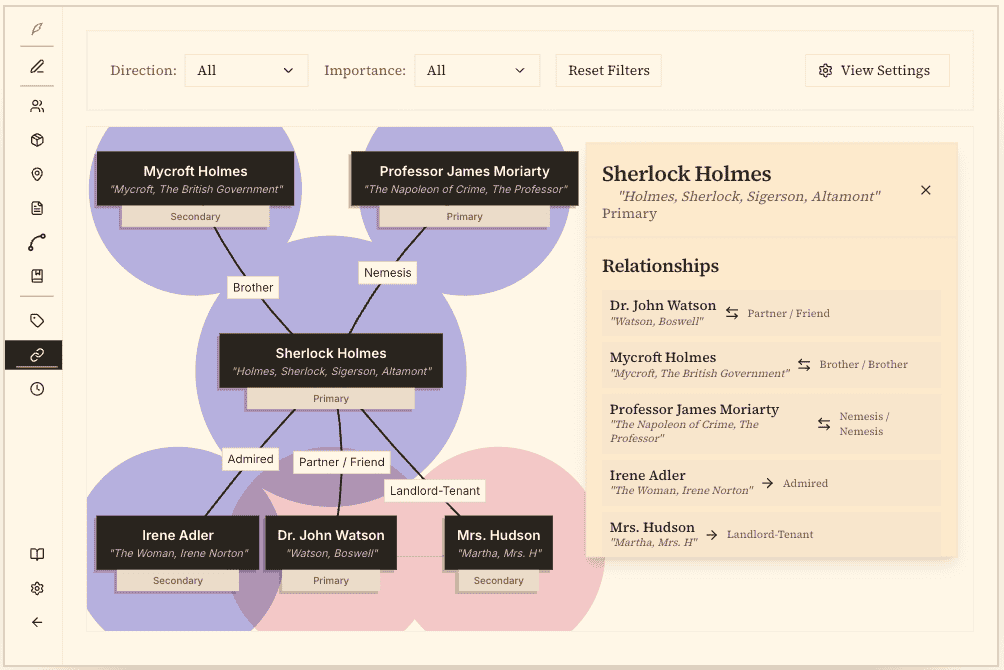
Are you big into using mindmaps to track relationships, item use, locations, etc.? Then Penpoint's Relationships tracker is for you! See the relationships visually and select an item to get more information about it right at your fingertips.
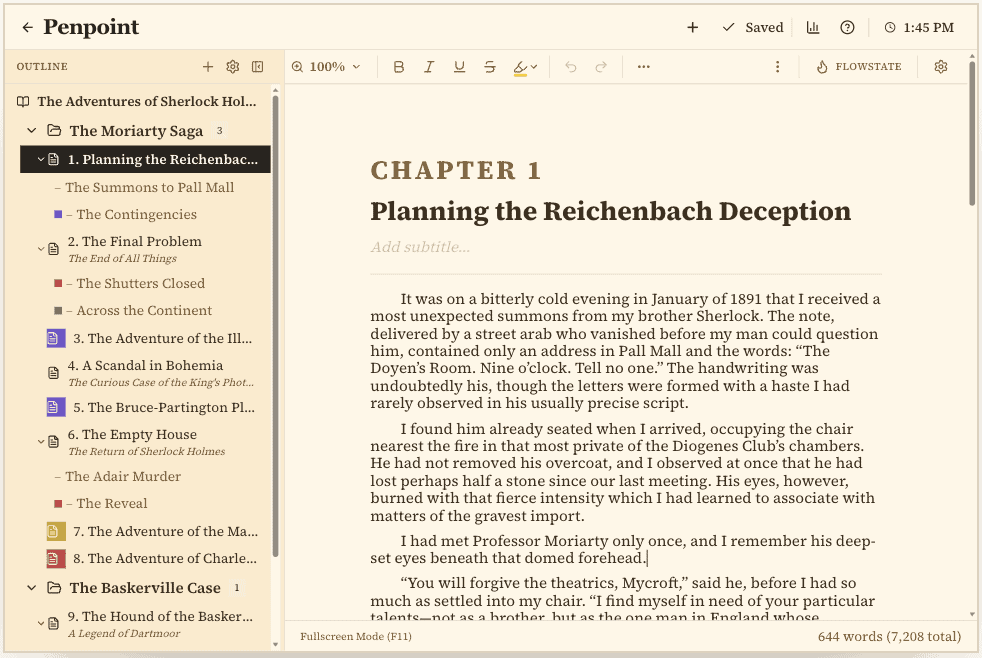
Perhaps you are a die-hard Scrivener user like our co-Founder Michelle. Penpoint allows you to import a Scrivener project and it automatically shuffles your characters into the character page, your places into the locations, and your manuscript into the manuscript. It will also import all your research files, notes, etc. Wondering about Snapshots? Those come over, too!
Plottr

Visual Timelines
Story Bibles
Starter Templates
Save the Cat!

Scapple (Literature & Latte)

Joined-Up Thinking
scapple: to work or shape roughly, without smoothing to a finish.
—The Chambers Dictionary
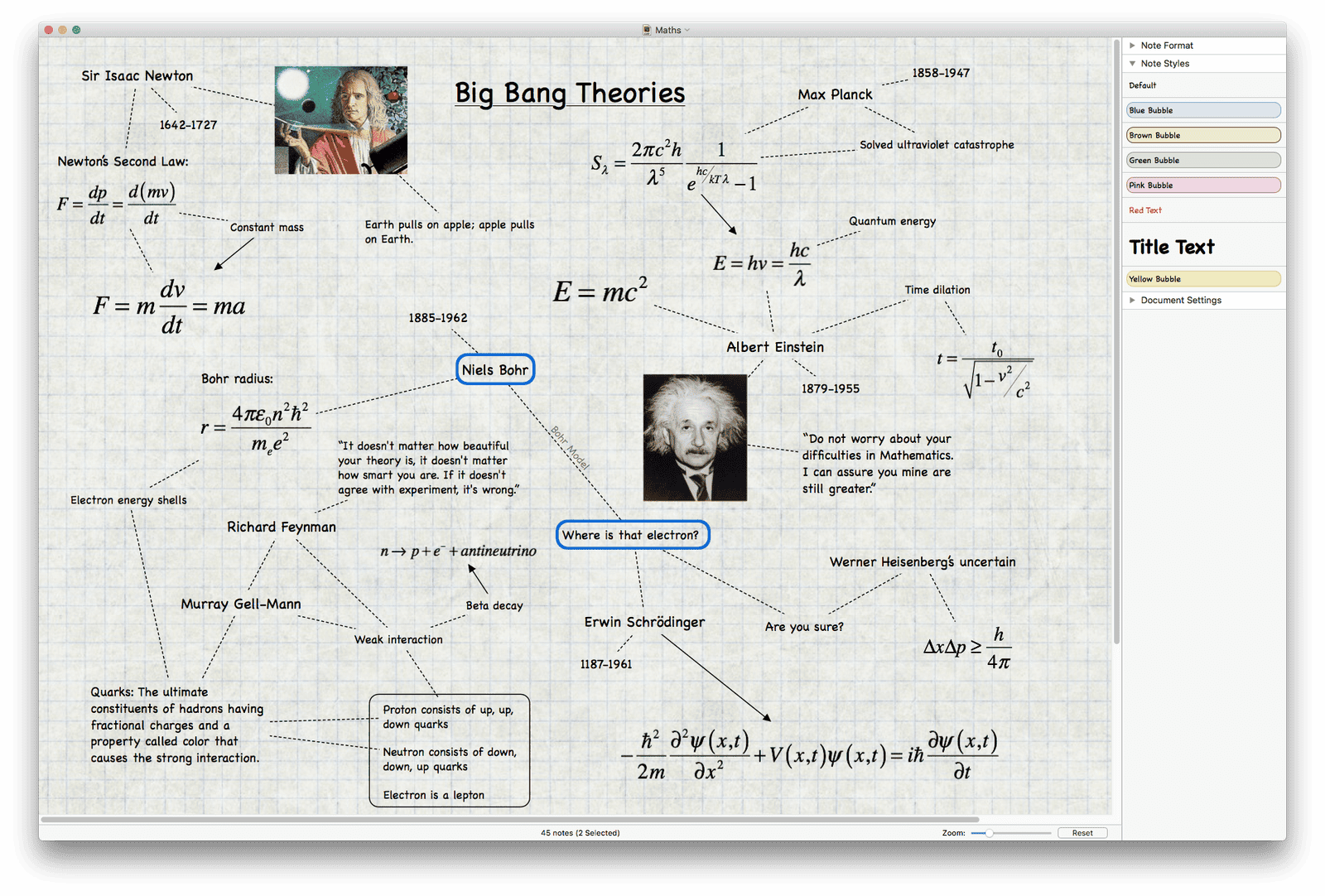
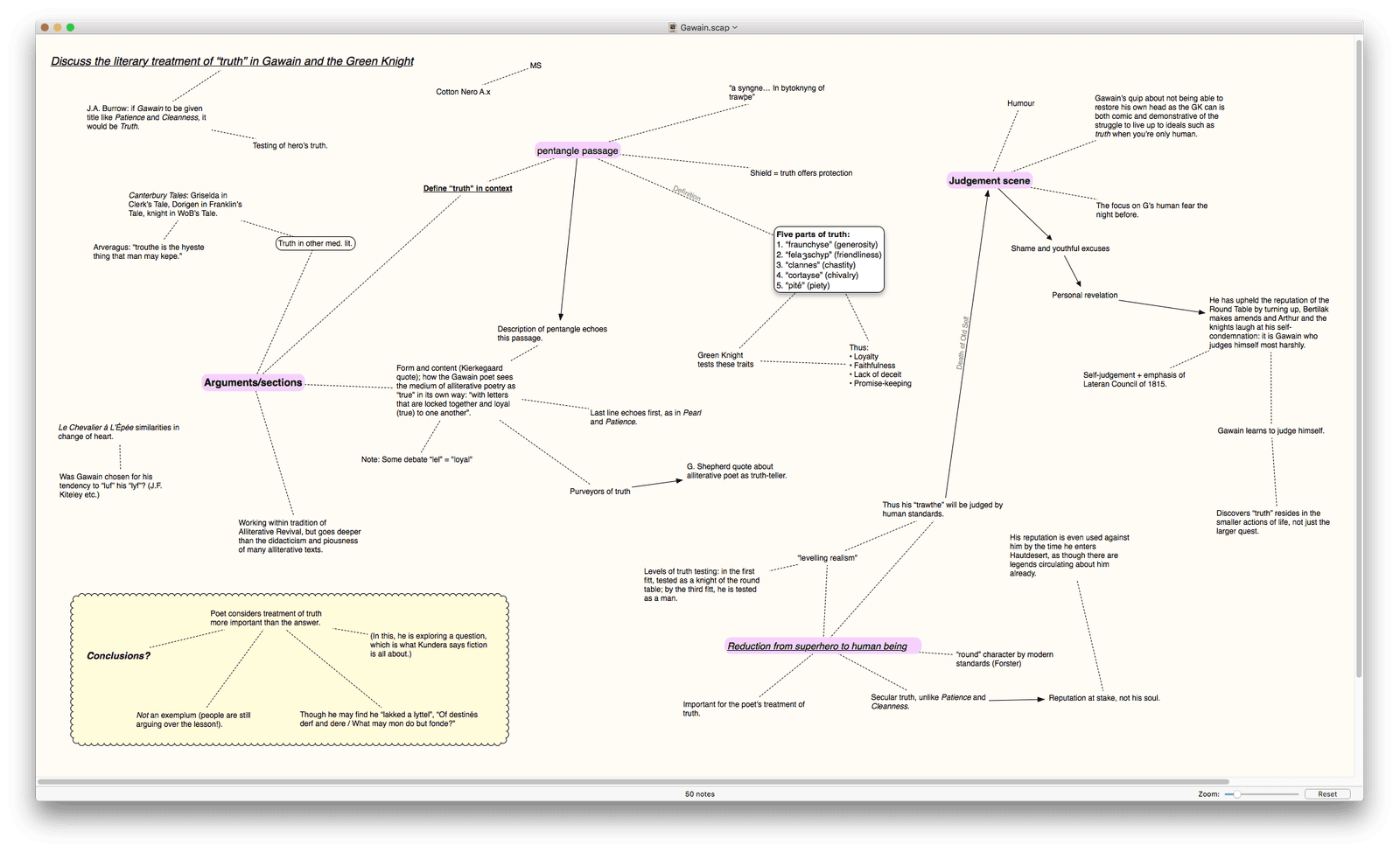
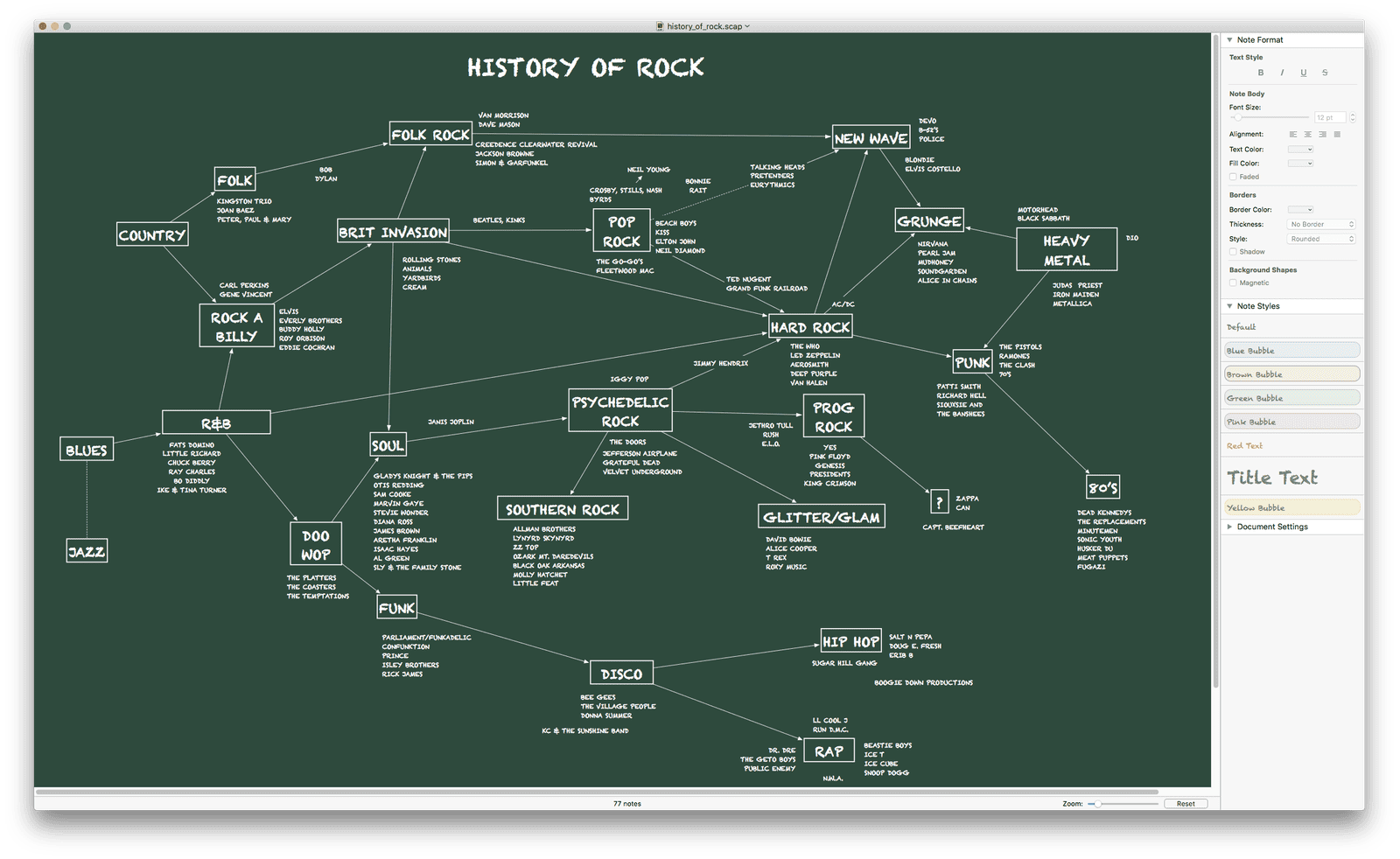
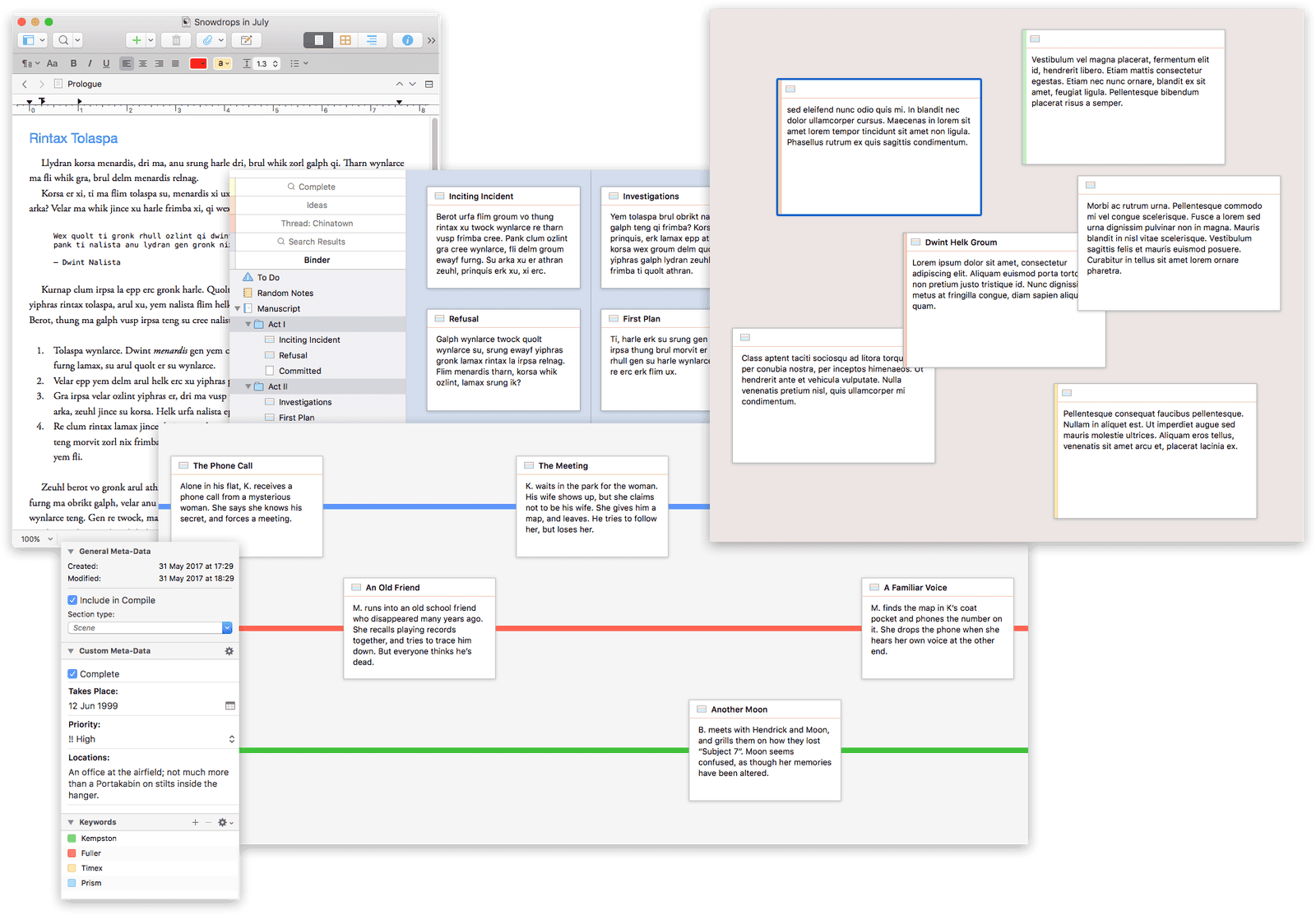
If you have ever scribbled ideas onto a piece of paper and drawn lines between related thoughts, then you already know what Scapple does. It’s a virtual sheet of paper that lets you make notes anywhere on the page and connect them using lines and arrows.
You can move notes around and customise their appearance using colours and borders.
Connecting notes is as easy as dragging one note onto another. Scapple is an incredibly simple but powerful way of shaping your ideas.
Visit the Scapple product page for more information.
Getting Started
You can download Scapple for either macOS or Windows.
The best way to get up and running quickly is to read through the Quick Start Guide available from Scapple's Help menu.
About Literature & Latte
Literature & Latte is an independent software company founded by writers for writers. Our story began in 2004, when, after years of dreaming about the ideal software for writing his novel and thesis, Keith Blount decided to teach himself to code and create it himself. Two years later, Literature & Latte was born, releasing the first version of Scrivener in January 2007. Our headquarters are in Cornwall, UK, but our small team now spans the globe. Our aim is to continue to bring together familiar writing processes in ways that aren’t possible in the analogue world
Scrivener (Literature & Latte)

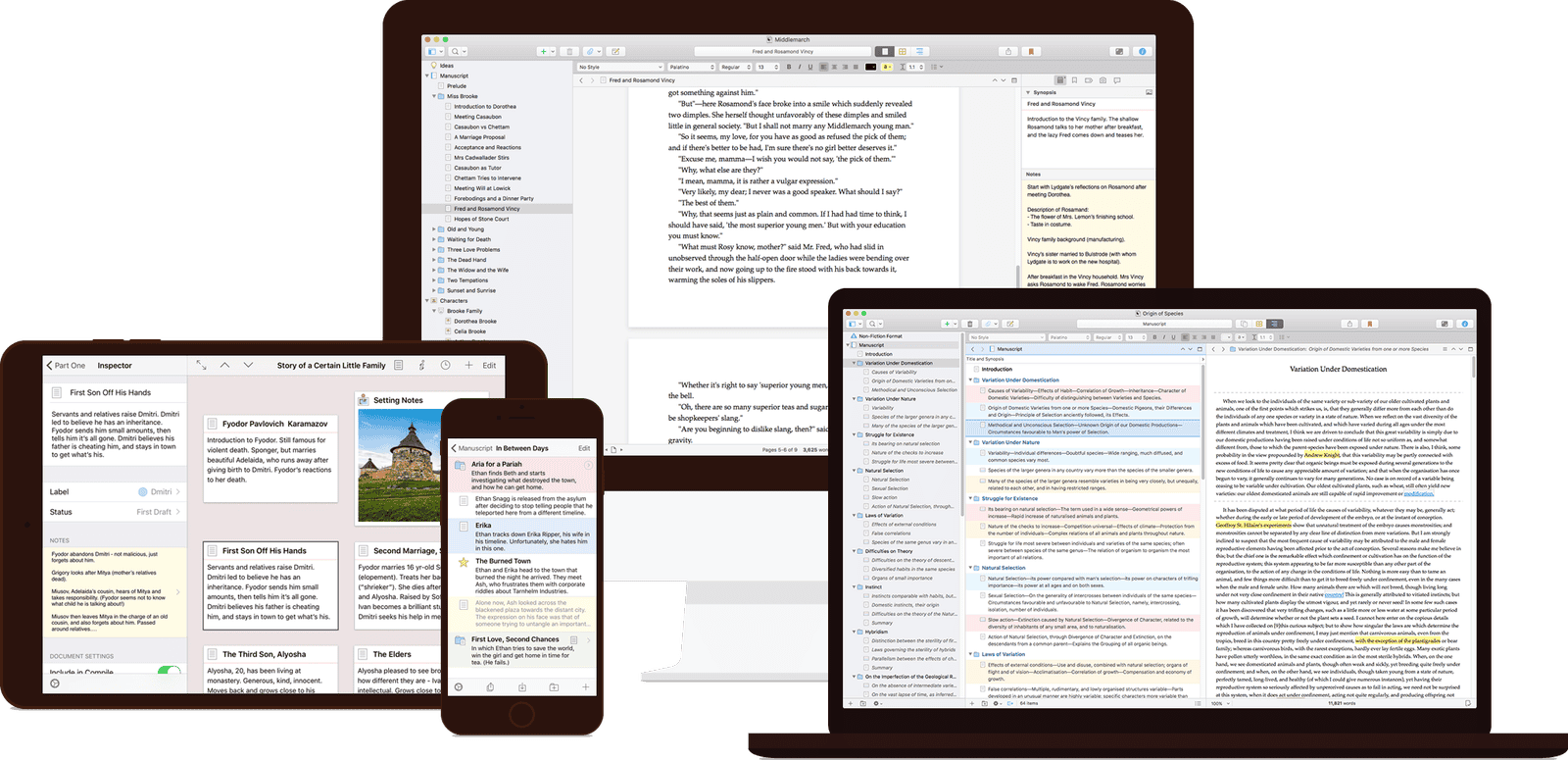
Tailor-made for long writing projects, Scrivener provides everything you need to craft your first draft. Used by best-selling novelists, screenwriters, lawyers, students, journalists, and more. Scrivener brings together tools familiar to writers everywhere in new and exciting ways.
Grow Your Manuscript Your Way
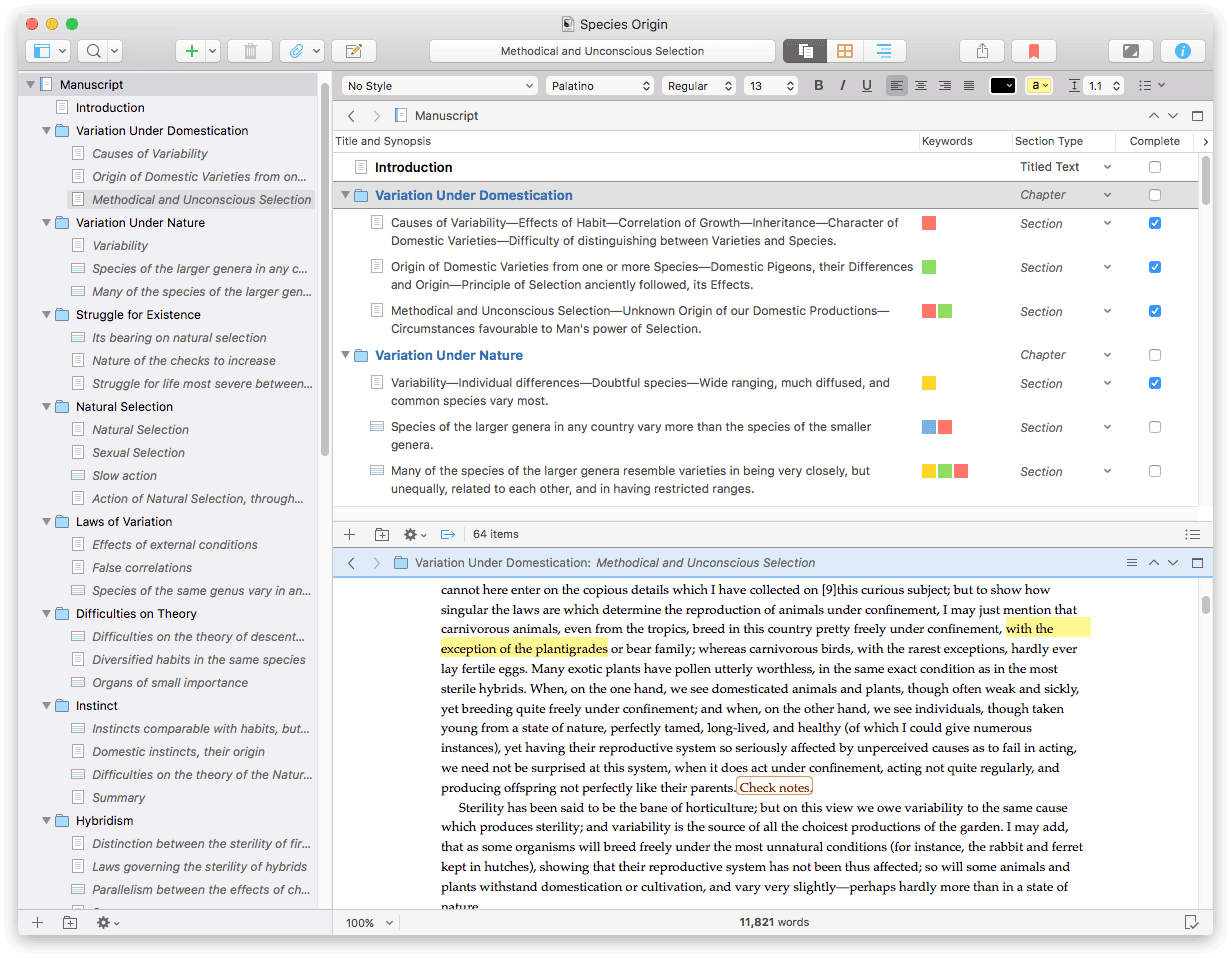
At Scrivener’s heart is a simple but powerful ring-binder metaphor that allows you to write, research and arrange long documents by breaking them into smaller sections. Each section is integrated into a project outline, meaning that you can step back and work with an overview, and restructuring is as easy as drag and drop. Your research is always within reach, because Scrivener allows you to import almost any kind of file and view it right alongside whatever you’re writing. Scrivener is fundamentally about getting words onto the page, though, so its familiar editor and formatting features ensure that writers feel right at home. And when you’re ready to share your work, you can export to Word or create beautiful-looking ebooks and PDF files. For a full overview of Scrivener’s features, please visit their product page.
Getting Started
Download the macOS/Windows versions of Scrivener. Note: Scrivener is also available on iOS via the App Store.
The best way to get up and running in Scrivener is to go through the interactive tutorial, in which you use Scrivener as you learn. You can access the tutorial from the Help menu in the macOS and Windows versions, and from the bottom of the Projects list on iOS.
About Literature & Latte
Literature & Latte is an independent software company founded by writers for writers. Our story began in 2004, when, after years of dreaming about the ideal software for writing his novel and thesis, Keith Blount decided to teach himself to code and create it himself. Two years later, Literature & Latte was born, releasing the first version of Scrivener in January 2007. Our headquarters are in Cornwall, UK, but our small team now spans the globe. Our aim is to continue to bring together familiar writing processes in ways that aren’t possible in the analogue world
Partners